Set up Susan around your business
Start with WhatsApp, then add the accounts you want Susan to use. Setup time depends on the connection method and account permissions.
Connect your WhatsApp
Ask Susan how your business number can connect. QR linking is available in some setups; other WhatsApp connection methods may need additional steps.
Teach Susan your business
Share your services, prices and FAQs by chat, website or document. Review what Susan has learned and correct anything that needs updating.
Susan goes live
Test how she answers an enquiry. Connect a calendar separately if you want her to check slots and confirm appointments.
Answer WhatsApp enquiries while you work
Connect your business WhatsApp number and give Susan your service details. She can answer incoming questions, capture what a customer needs and flag requests for your review.
- ✓Replies on your connected WhatsApp number
- ✓Smart lead qualification built in
- ✓Human handoff with one tap from the dashboard

Appointments booked while you sleep
Once you connect Google Calendar or an eligible Calendly account, Susan can check real availability, propose a time and confirm an appointment only after the calendar accepts it.
- ✓Availability from your connected calendar
- ✓Booking confirmation after a successful write
- ✓Owner review for changes and cancellations

Draft and approve your next update
Ask Susan to draft a social post or a business landing page. With a supported social account connected, she can publish an approved basic post and summarize available post insights.
- ✓Review the exact caption before publishing
- ✓Create a landing page for your business
- ✓No social DMs, comment replies or paid ads yet

Built for the businesses
that keep Britain running


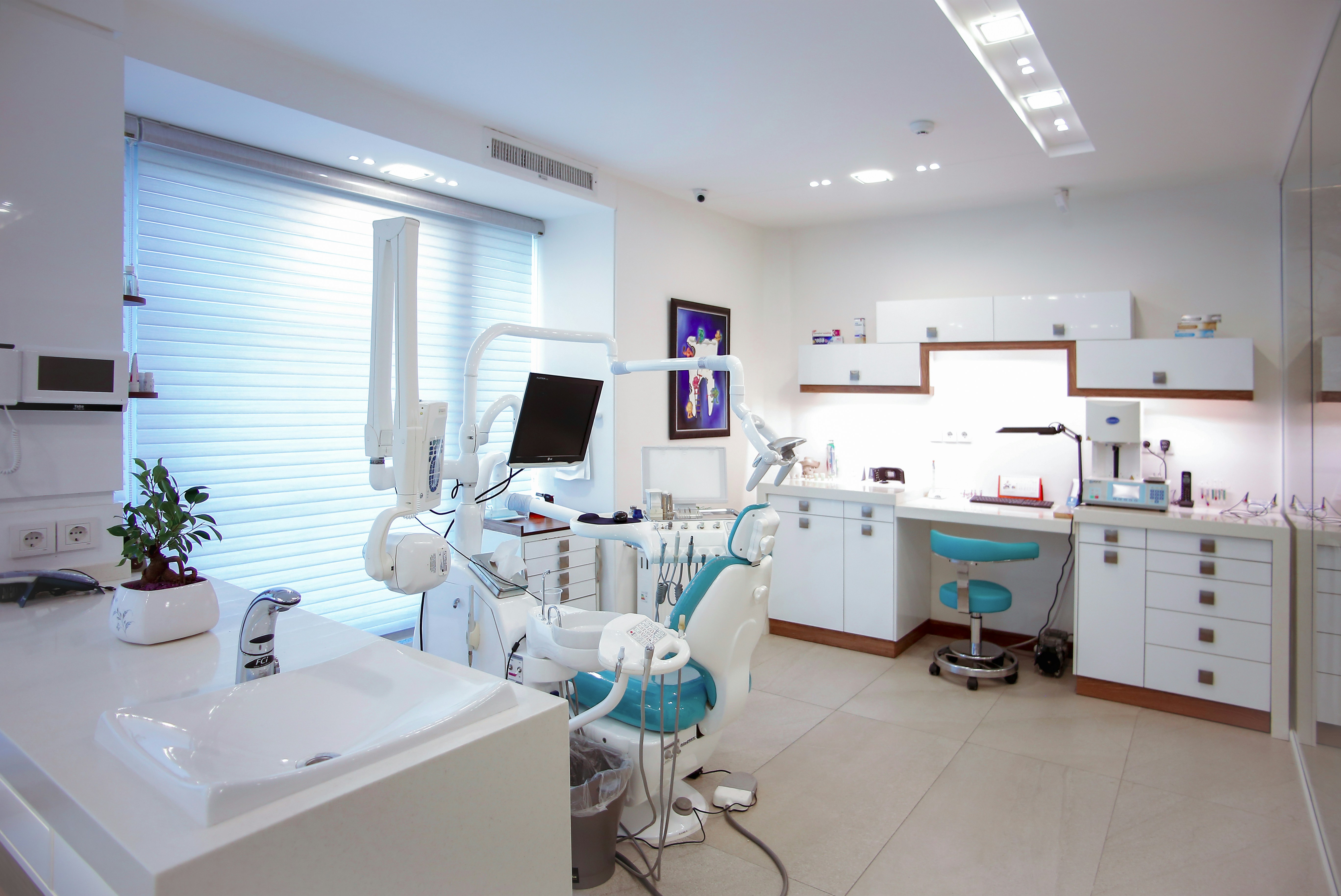


Real workflows. Clear setup.
Start with one task and connect only the accounts it needs. See what works before you rely on it.
Answer a WhatsApp enquiry
Connect your business number and give Susan your service details. She can answer incoming questions and flag requests that need your judgment.
Requires your WhatsApp connection
Book from a real calendar
Connect Google Calendar or an eligible Calendly account. Susan checks availability before offering a slot and confirms only when the booking succeeds.
Requires an authorized calendar
Publish an approved update
Connect a supported social account, review the caption and image, then ask Susan to publish or schedule a basic post. DMs and ads are separate.
Requires your approval and a connected account