
No-shows are rarely rudeness. Someone booked ten days ago, life filled in, and your 3pm sits empty. Reminders fix the forgetting — and done right, they make cancelling easy enough that people actually tell you, which means you can refill the gap instead of discovering it.
⚡ Key Takeaways
- Two touches: day before (room to rearrange) and shortly before (catches same-day drift). More reads as nagging. Every message carries the three facts — when, where/who, how to change it. Always offer the easy out: a moved booking stays a customer; a silent no-show often never returns.
Here's a rhythm that works, with words you can lift verbatim. Day-before, then day-of:
General: "Hi [name], tomorrow at [time] at [Business] — reply YES to confirm, or tell us if you need to move it, genuinely no problem."
Salon: "Hi [name]! Tomorrow at [time] with [stylist], looking forward to it. Need to reschedule? Just reply here and we'll sort it."
Clinic: "Tomorrow at [time] at [Clinic] — please reply CONFIRM, or let us know you can't make it so another patient can have the slot."
Trades: "Hi [name], we're with you tomorrow, [address], between [window]. Reply YES if that still stands, or ring [number] if anything's shifted."
Day-of, shorter:
General: "See you at [time] today, [name]! We're at [address/link] — running late? Reply here."
Tutor: "Quick one: [student]'s session is today at [time], join link is [link]. See you there!"
High-value: "Hi [name], confirming [service] today at [time]. We've held [duration] for you, so the earlier you flag changes, the better."
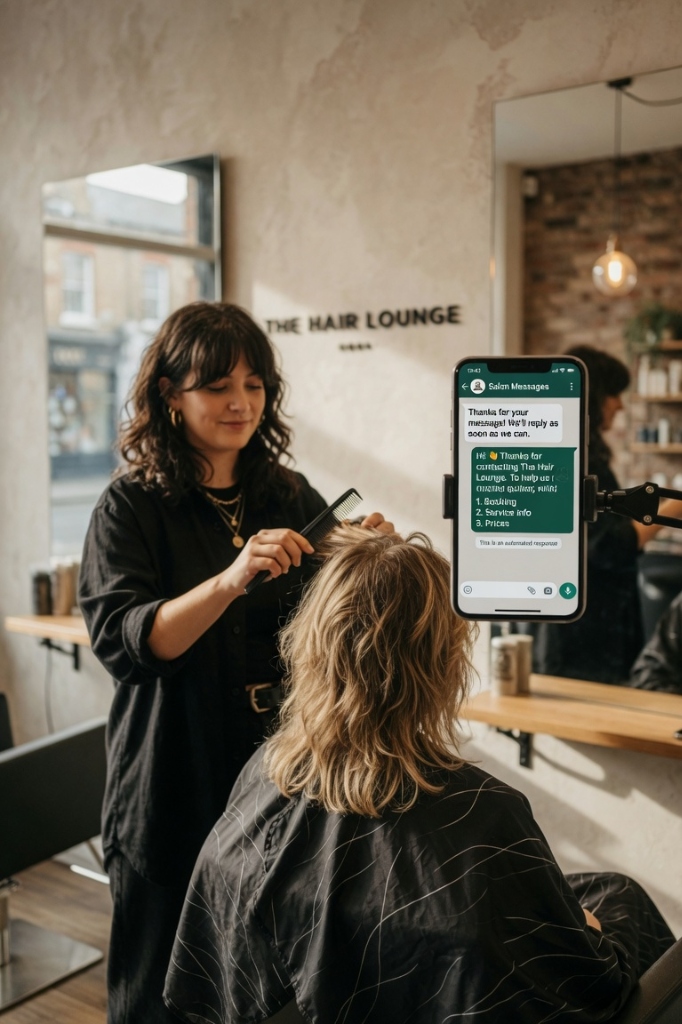
The reply is where the money is. "Can we do 4 instead?" answered in a minute keeps the booking; answered at close of play, it's usually a cancellation. If replies land mid-appointment, that's precisely when an AI front desk pays for itself — confirm, offer live alternatives off your diary, rebook, all without you touching the phone. Whatever answers, one house rule: never guilt-trip a mover. "No problem — when suits you better?" keeps clients; sighing loses them.
Deposits beat messages for expensive slots. Mention yours kindly in the reminder — "your deposit holds this slot" — not as a threat. For everyday bookings, good reminders mostly remove the need; demanding money up front from first-timers can cost you the customer.
Frequently Asked Questions (FAQ)
Response-time rule of thumb?
Five minutes. Past that, you're talking to someone already talking to a competitor.
Hard questions for AI?
Routine bulk, yes; sensitive remainder to a human with context. Standard split.
Why WhatsApp for reminders specifically?
~98% opened versus ~20% for email, and instant. Reminders only work if seen.